How to Know If an Image Is AI Generated (C2PA and SynthID Explained)
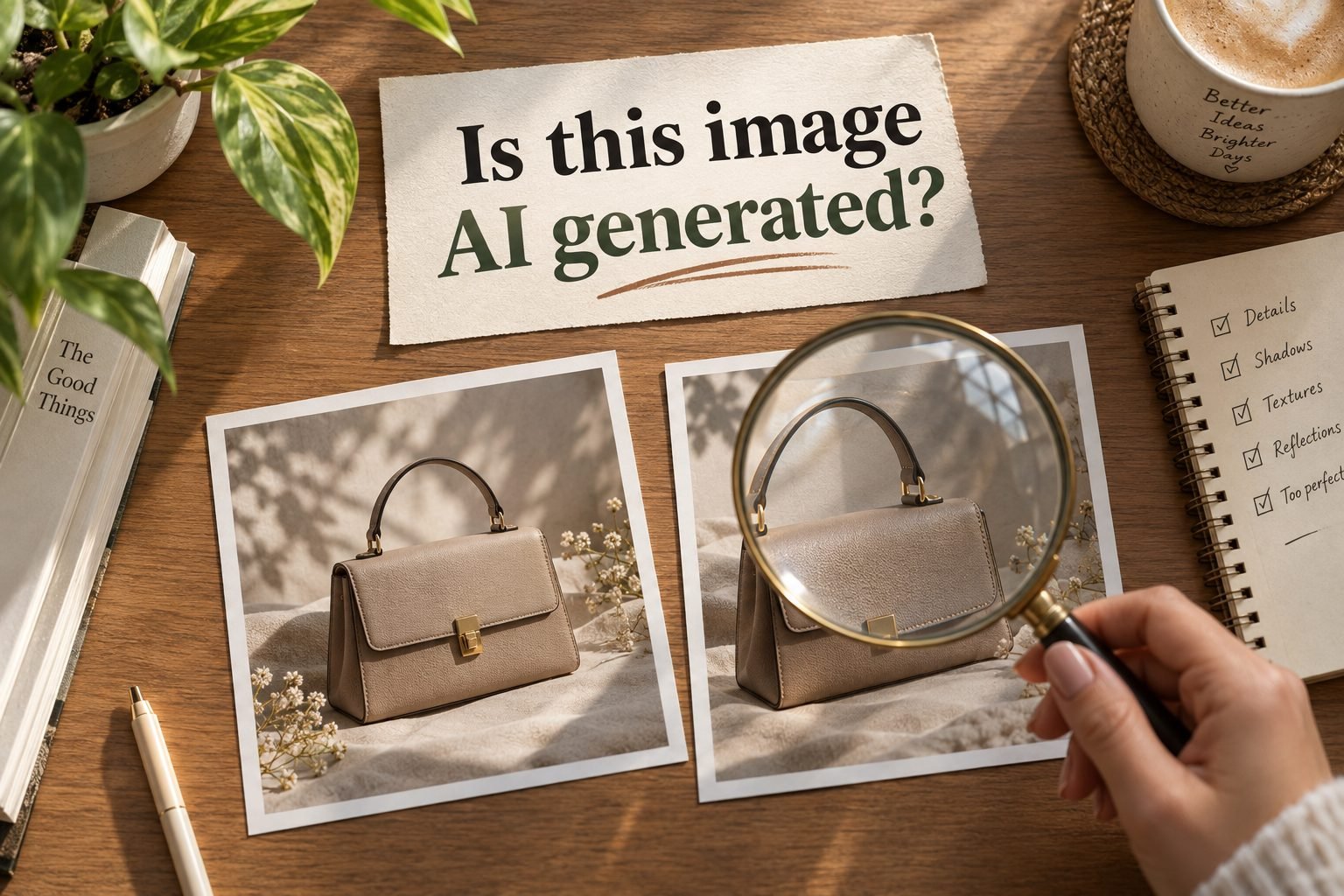
Looking at an image and guessing is not good enough any more.
AI images used to give themselves away. Six fingers, melted text, shadows falling the wrong way. Most of that is gone.
So if you are about to use an image on your website, inside a client project, or in a presentation, guessing is now a real risk.
There are two systems built to answer this properly. C2PA and SynthID. Neither is complicated once you know what each one does.
The Short Answer
- C2PA is a certificate attached to the image file
- SynthID is an invisible watermark hidden inside the pixels
- One is detailed but fragile. The other is limited but tough.
- Fastest check: upload the image to the Google Gemini app and ask.
If you only remember that, you are already ahead of most people.
What C2PA Actually Is
C2PA stands for Coalition for Content Provenance and Authenticity. You do not need the full name.
Think of it as a certificate that travels inside the image file, in the part called metadata.
It can record:
- Who created the image
- Which device or tool was used
- Whether AI was involved at any stage
- Whether it was edited afterwards
One thing people get wrong: C2PA is not only for AI images. A photo taken on a supported camera or phone can carry it too. Recent Google Pixel phones write these credentials into ordinary photos.
That is its strength. It does not just say yes or no. It tells you a story about where the image came from.
What SynthID Actually Is
SynthID is Google DeepMind's invisible watermark.
When a Google AI model generates an image, it embeds a pattern directly into the pixels. You cannot see it. A detection model can read it.
Because it lives in the pixels rather than in the file information, it survives things that destroy metadata. Crop it, resize it, compress it, screenshot it, and the watermark usually stays.
One limit worth knowing: SynthID is Google's system. Images from other tools mostly do not carry it. OpenAI, for example, uses C2PA content credentials instead.
Why a Screenshot Breaks C2PA
This is the part almost everybody misses.
C2PA lives in the file. Take a screenshot and you have created a new file. That new file has the pixels. It does not have the record.
Now think about how images actually reach you. Forwarded on WhatsApp. Screenshotted off Instagram. Re-uploaded, compressed, forwarded again.
By the time an image lands in front of you, its credentials are usually long gone.
SynthID handles this better, because the watermark sits in the picture itself. But it only helps if the image came from a system that applies SynthID in the first place.
How to Check an Image in 10 Seconds
- Open the Google Gemini app
- Upload the image
- Ask whether it was AI generated
If the image carries a SynthID watermark, Gemini can tell you.
That is the practical method. You do not need a specialist detector website, and you do not need to understand anything technical.
The Mistake Most People Make
If the check comes back clean, that does not mean the image is real.
It means no mark was found. Those are two different things.
The image could have been made by a tool that does not use these systems at all. Or the marks could have been stripped somewhere along the way.
So treat a clean result as one signal, not as proof. Read it as "no evidence found", never as "confirmed genuine".
Where This Is Heading
Both systems are young, and both are incomplete on their own. That is exactly why they are designed to work together. C2PA gives you the detail. SynthID gives you the durability.
As AI images keep improving, the question shifts. It stops being "does this look real" and becomes "what does this file say about itself".
Checking is a small habit. It will matter more every year.
Final Thought
You cannot trust your eyes on this any more. But you do not need to be technical either.
Remember two words. C2PA is the certificate. SynthID is the watermark.
And when it actually matters, spend ten seconds asking Gemini before you use that image.
Get the next prompt before everyone else
I share practical AI prompts and workflows for getting ahead at work. Subscribe, it's free.